
Radial menu
Seven shapes for the ox_lib radial menu. Same items, same scripts.
The radial menu comes in seven shapes. They all show the items your scripts already add with lib.addRadialItem and lib.registerRadial, and they all work the same way:
- Left click an action to run it.
- Right click anywhere on the screen to go back to the previous page or menu.
- The center button closes the menu, or goes back when you’re in a sub menu or on a later page.
- When a menu has more actions than the shape can show, the last slot becomes More… and opens the next page.
Pick the shape in the theme editor, or in server.cfg:
setr ox:radialStyle "ring"Shapes
Section titled “Shapes”| Shape | Value | Actions per page |
|---|---|---|
| Bubbles (default) | bubbles |
8 |
| Disc | disc |
6 |
| Ring | ring |
8 |
| Petals | petals |
6 |
| Dial | dial |
8 |
| Fan | fan |
7 |
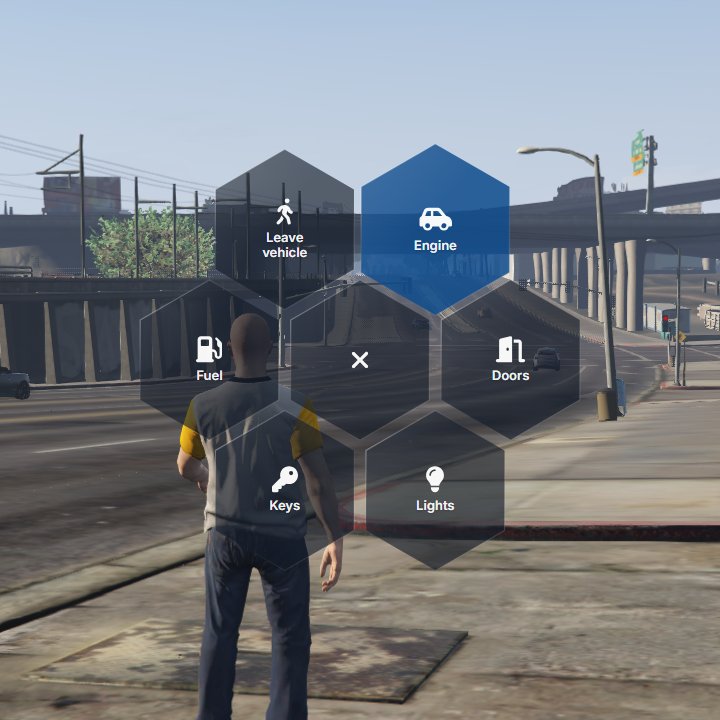
| Honeycomb | hex |
6 |
Bubbles
Section titled “Bubbles”Round glass buttons fly out around the center, with their names underneath. The default shape.

The original ox_lib pie, in glass.
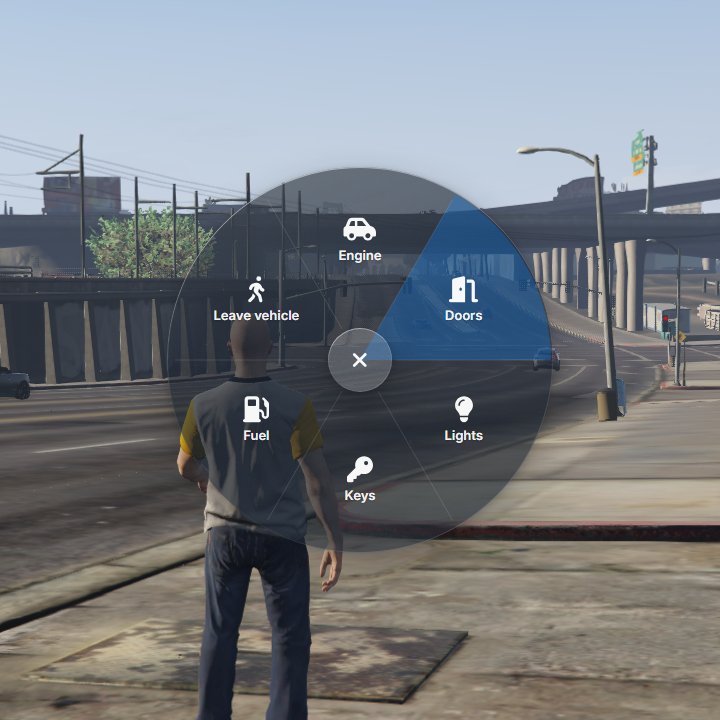
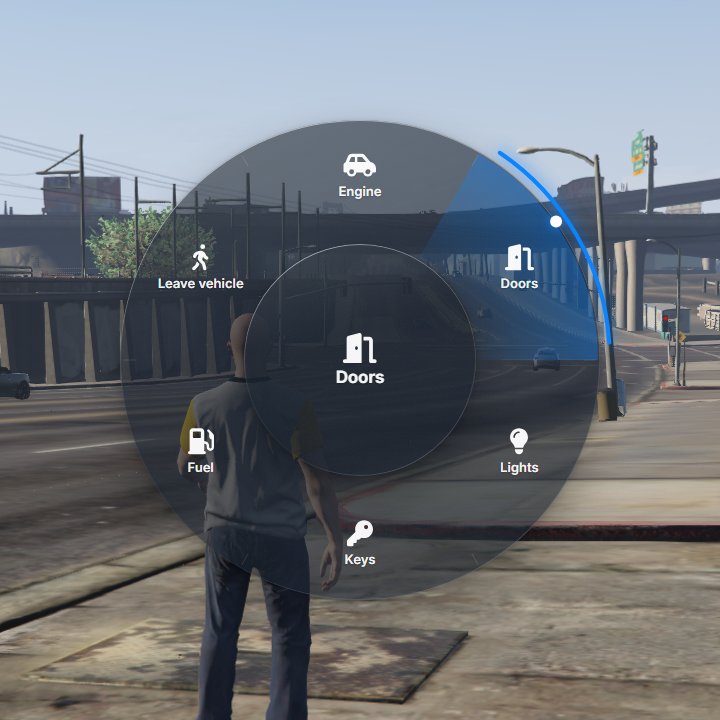
A thin ring of actions. The one under the cursor is shown large in the middle.

Petals
Section titled “Petals”Separate slices that move out when you point at them.
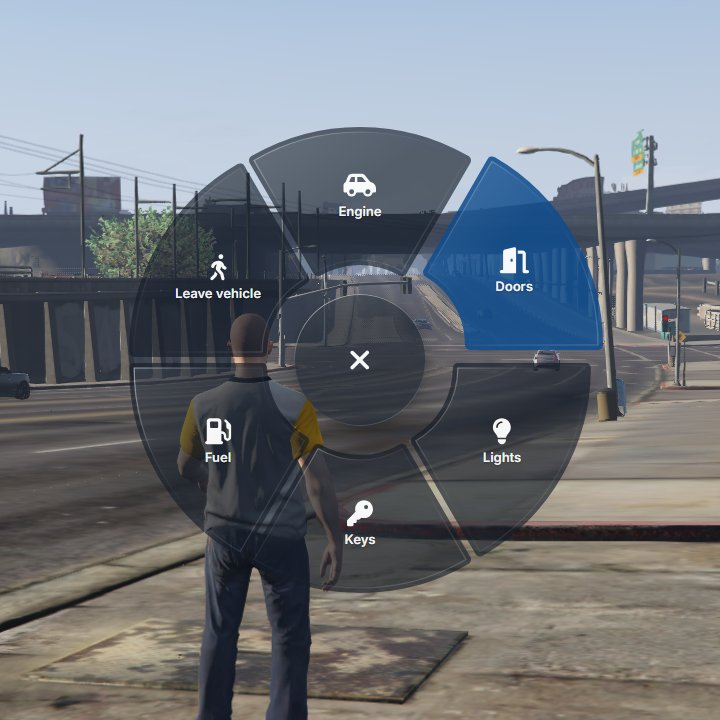
Aim in a direction and click anywhere: the whole screen counts, like a weapon wheel. The fastest shape with a mouse.
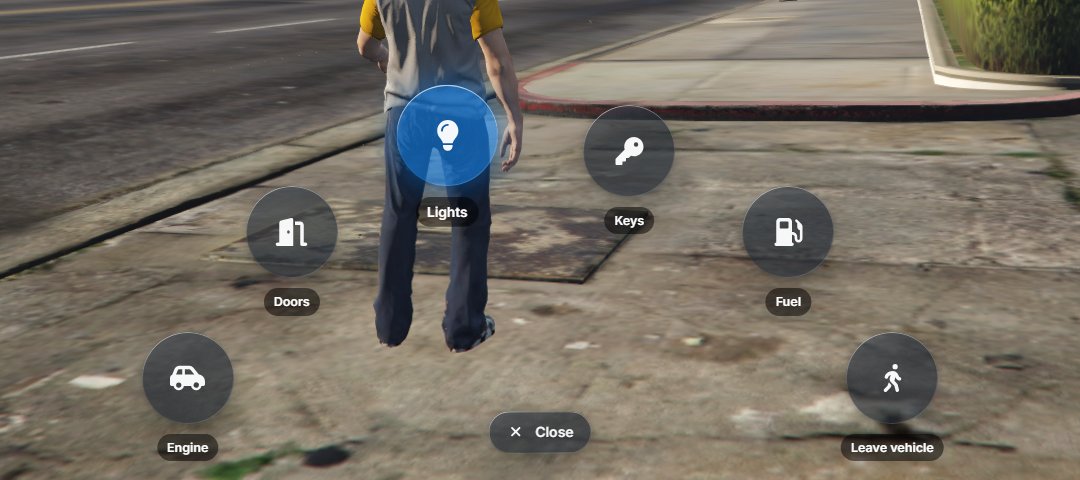
An arc of buttons at the bottom of the screen, which keeps the center of the view clear.
Honeycomb
Section titled “Honeycomb”Six hexagonal tiles around a center tile.
Opening the menu
Section titled “Opening the menu”ox_lib opens the radial menu with Z by default. Players can change the key in the game settings: Settings › Key Bindings › FiveM › Open radial menu.
The menu only opens when a script has added items to it. On Qbox, qbx_radialmenu fills it. QBCore’s qb-radialmenu is a separate menu that doesn’t use ox_lib, so its look doesn’t change.
For script authors
Section titled “For script authors”Nothing changes in the API. Items keep their icon, label, menu, onSelect, keepOpen, iconWidth and iconHeight, and image URLs work as icons.